By the MR Event Planner production team · Updated 14 November 2026 · Reading time about 7 minutes
Quick answer
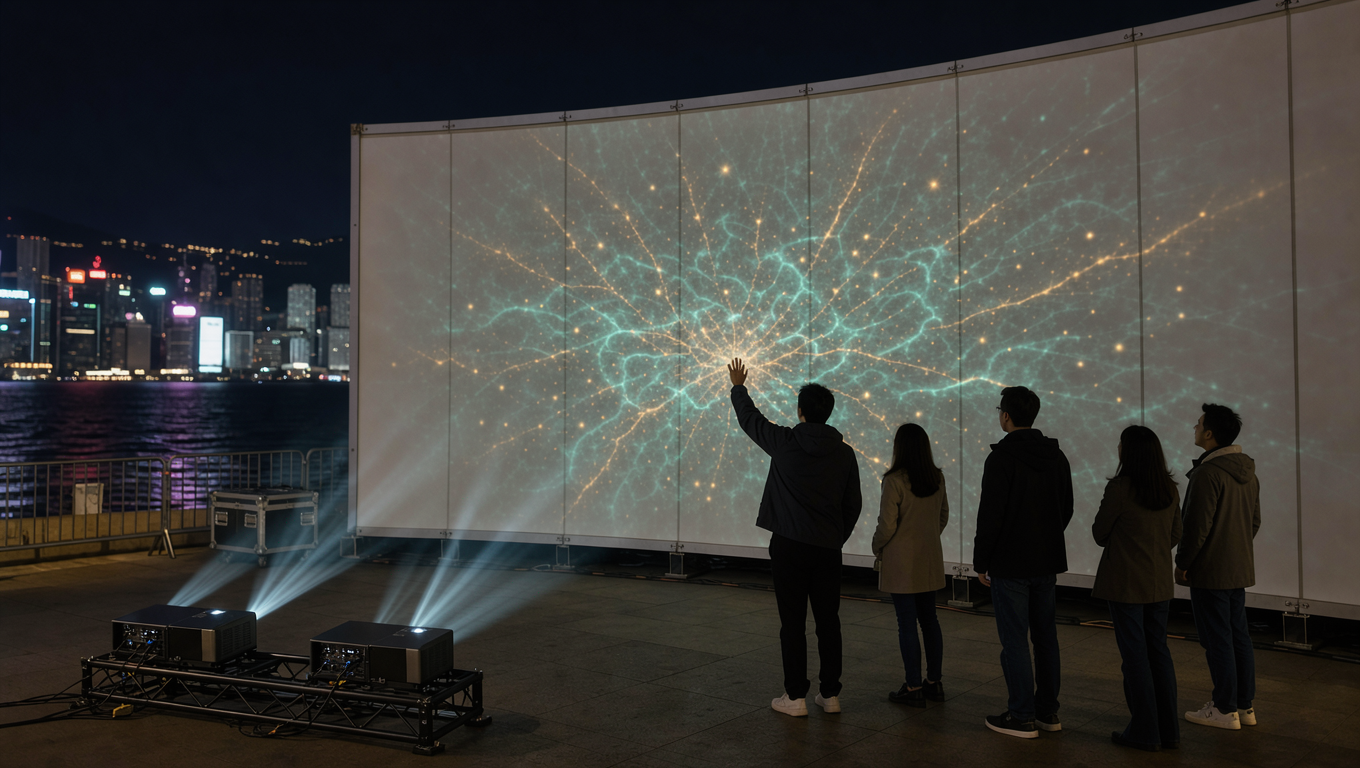
An interactive projection installation uses a sensor layer, such as an infrared camera, depth camera, LiDAR or infrared touch frame, to detect where people are, then sends those coordinates to a media server that redraws the projected image in real time. End-to-end latency should stay under about 100 milliseconds to feel instant.
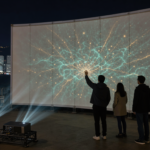
Most projection projects are one-way: content plays, an audience watches. An interactive installation adds a feedback loop, where a step, a wave or a touch changes the image within a fraction of a second, and the wall or floor stops being a screen.
That loop is an engineering problem before it is a creative one. A sensor has to see the right thing, a machine has to interpret it, and a projector has to answer before the visitor walks away. Below is how we specify, calibrate and de-risk that stack in Hong Kong venues.
Key takeaways
- The sensor follows the venue, not the creative: tracking area, ceiling height, ambient light and crowd density eliminate most options early.
- Latency is additive along the chain, so budget under 100 ms total and measure it with a high-speed camera rather than a spec sheet.
- Two calibrations are needed in order: projector warp to the surface, then sensor homography to that same surface.
- Content is a state machine with dwell thresholds, not a linear video.
- Sunlight, haze, reflective floors and long cable runs cause most on-site failures.
What is an interactive projection installation and how does it work?
An interactive projection installation is a projection system with a sensing layer and a decision layer between the audience and the image. A sensor reports position or touch, tracking software converts that into a stable event, and a media server renders a new frame that the projector shows on a calibrated surface.
The pipeline runs in a fixed order: sense, track, decide, render, display. What separates a production build from a demo is the state machine. A demo reacts to everything; a production installation knows the difference between someone walking past and someone deliberately standing on a target, and it holds that distinction with ten people on the floor.
- Sensor type and mounting position agreed before rigging is signed off
- Tracking area in square metres and maximum simultaneous users
- Media server with GPU headroom for the heaviest scene
- Fallback state: what shows when tracking drops out
Which tracking technology fits the venue: camera, depth sensor or LiDAR?
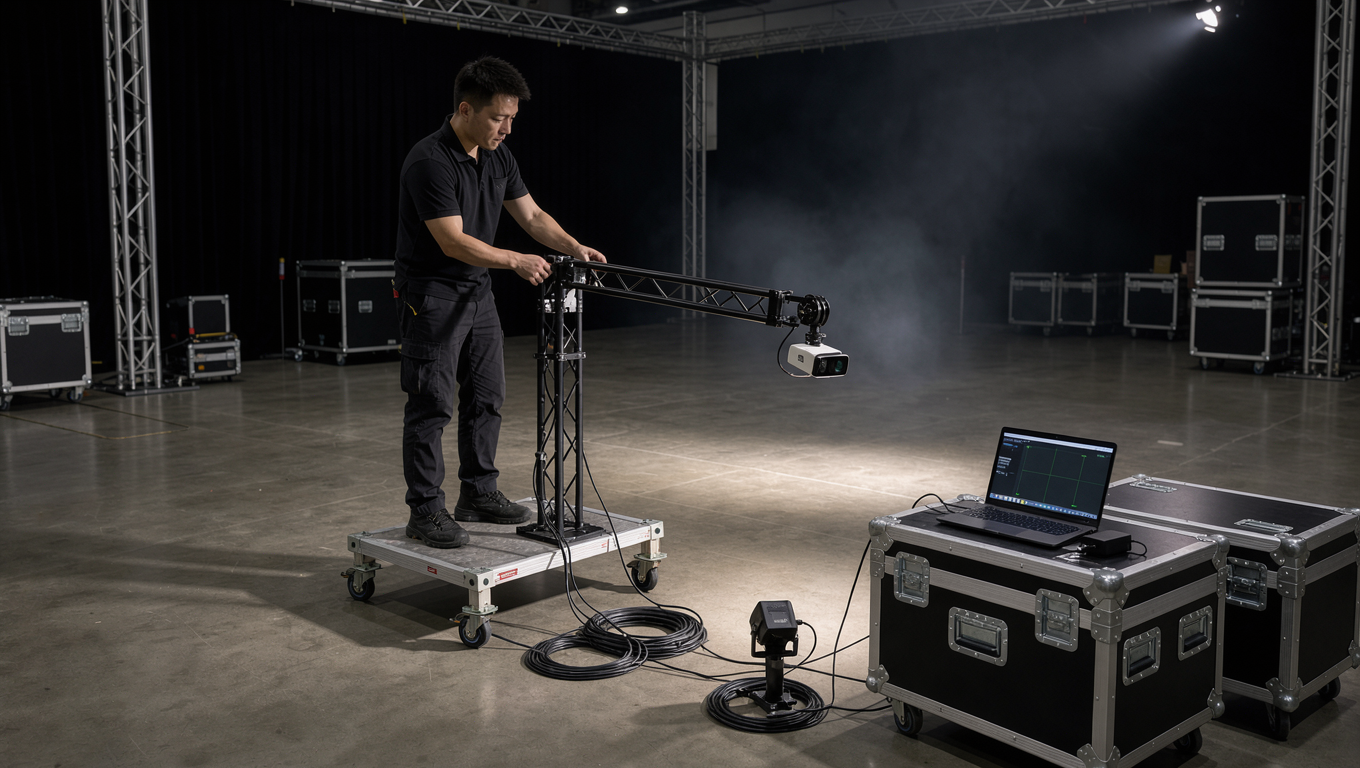
Choose the sensor from the physical conditions first. Ceiling height, tracking area, ambient light and how many people stand in the zone at once eliminate most options before creative preference is discussed.
In Hong Kong venues we rarely trust one method for a public installation. A depth sensor triggers the scene, a camera array refines who is where, and a physical mat confirms intentional touch. Redundancy costs a little more and removes most on-site surprises.
| Tracking method | Typical latency | Ambient light risk | Practical tracking area | Best suited to |
|---|---|---|---|---|
| Infrared camera with retroreflective surface | 30–60 ms | Medium (daylight, halogen) | Up to about 100 m² per camera | Floors and walls in controlled indoor light |
| Depth camera (time-of-flight or structured light) | 33–70 ms | High (sunlight, IR sources) | 20–40 m² per unit at 4–8 m | Entrance triggers, small zones |
| LiDAR scanner array | 20–50 ms | Low | Large floors and long corridors | Museum halls, airports, big public floors |
| Infrared touch frame on wall or LED panel | 8–16 ms | None | Limited to the frame size | Touch walls, LED wall tables |
| Millimeter-wave radar | 50–150 ms | None | Coarse presence over a wide zone | Presence triggering without cameras |
What latency budget keeps an interaction feeling instant?
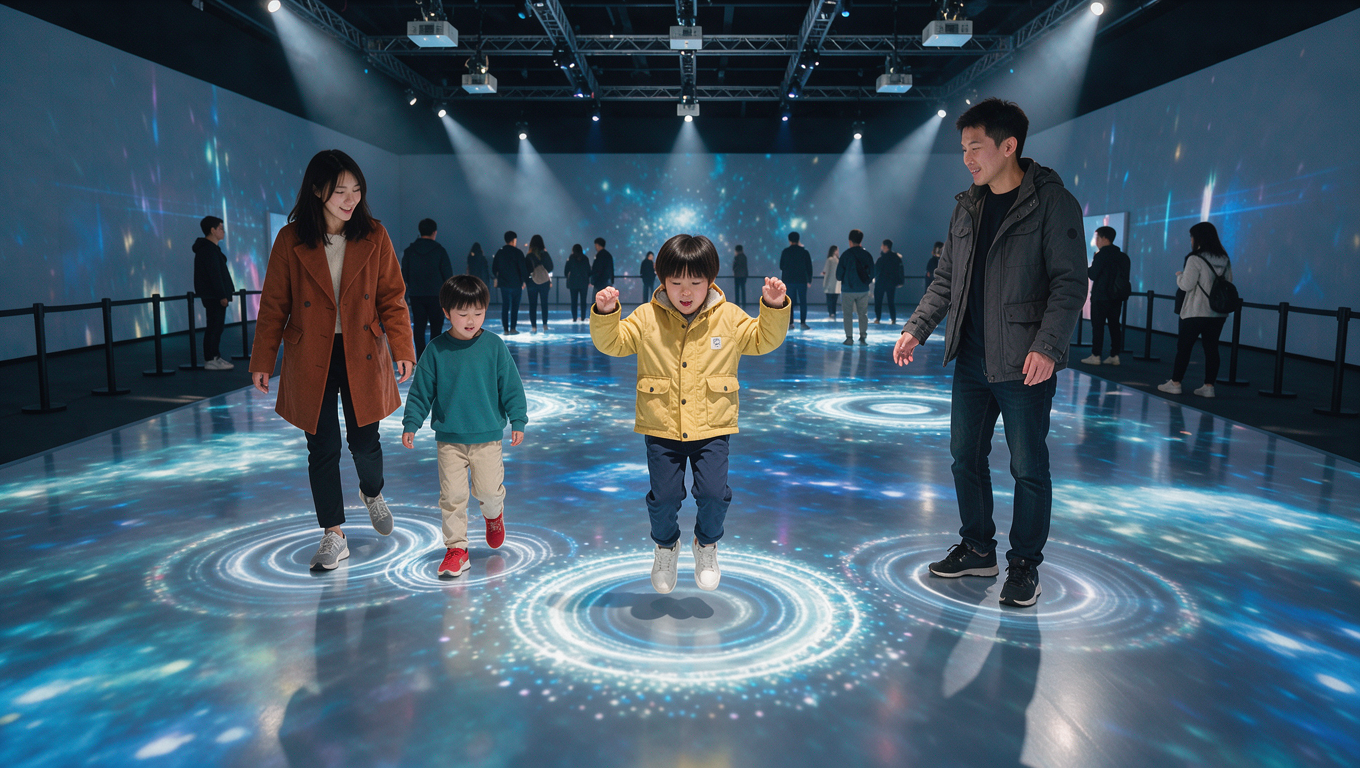
Under 100 milliseconds end to end feels immediate; past about 150 milliseconds the surface feels like it lags, and past 250 milliseconds visitors stop treating the interaction as causal. A well-built installation lands between 40 and 80 milliseconds.
The budget is additive. A sensor exposing at 60 Hz contributes up to 16.7 milliseconds before the reading is even used. Tracking and smoothing costs one to three frames, the render engine costs a frame, and many projectors add 8 to 30 milliseconds of internal processing unless it is bypassed. We measure with a high-speed camera filming a hand tap and the light change, not with a supplier’s datasheet.
- Sensor at 60 Hz for touch; 30 Hz is tolerable for full-body motion
- Smoothing filter kept short: heavy averaging buys stability and spends latency
- Projector interpolation, motion smoothing and noise reduction switched off
- Render resolution matched to projector output, not higher
How do you calibrate an interactive floor or touch wall?
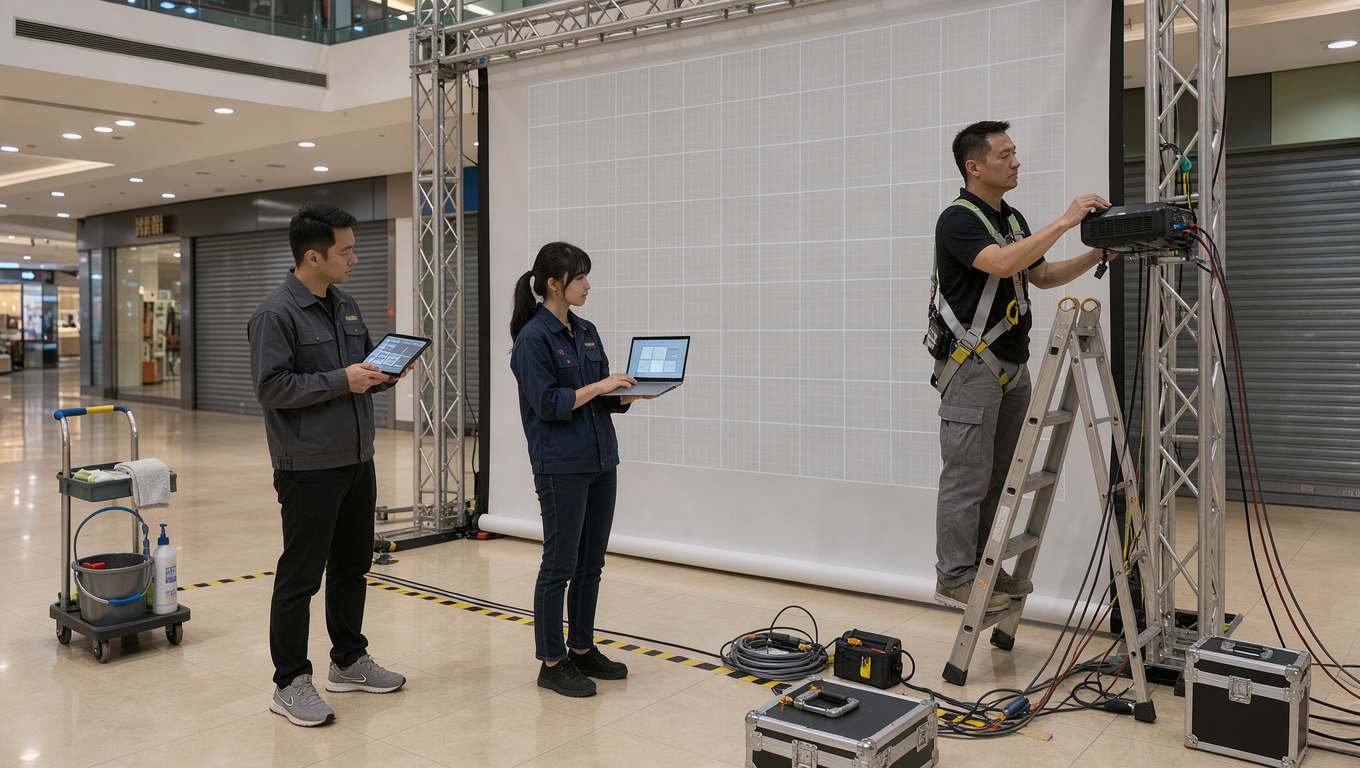
Calibration happens in two passes, and the order matters. First the projector is warped and masked to the physical surface; then the sensor is mapped to that same surface, so a point the camera detects corresponds to a pixel the audience can see.
We project a grid, mark reference points, solve the warp, then present targets at known positions and solve a homography. Crosshair test patterns at the extremes confirm the mapping holds at the edges, where errors are largest. Both mappings drift when a truss settles or a projector housing heats up, so physical reference marks and a five-minute daily re-check are part of the schedule.
What breaks interactive installations in real venues?
Most failures on site come from the environment, not the software. Sunlight through a glass wall will swamp an infrared sensor at four in the afternoon even if the same setup worked at nine in the morning, and theatrical haze scatters the infrared light a camera depends on.
The rest is optical and infrastructural. Polished stone and glossy vinyl create specular reflections a depth camera reads as a second person, and glass balustrades fold the tracking volume unpredictably. HDMI runs beyond about 10 to 15 metres need active extenders or fiber, and a marginal cable shows up as intermittent black frames rather than a clean failure. Power for projectors, server and sensors should come from one board, with updates and sleep timers disabled on the show machine.
- Site visit at the same time of day as the event, to catch sun and ambient light
- Matte flooring or an interaction mat under the tracking zone
- Active optical extenders and spare cables for every long run
- Single power board with UPS on the media server
How should content be designed for real-time response?
Interactive content is a set of states, not a linear video. The build needs an idle state that attracts without demanding attention, an engage state, a reward state that confirms the trigger clearly, and a cooldown that returns to idle without a visible cut.
Thresholds do the hard work: a dwell requirement of 0.5 to 1.2 seconds filters out passers-by, a minimum movement distance stops a resting hand holding a trigger, and a cap of six active targets keeps the frame rate stable. If each interaction holds a visitor 25 to 40 seconds, a zone serving 300 people an evening is handling 8 to 12 at once, so test with real visitors rather than a mouse.
What drives the cost of an interactive projection installation?
Four things drive cost: the size of the tracking area, how many people must be tracked at once, how precise the interaction has to be, and how much content is custom-built. Sensors and tracking licences are usually the smallest line; content production and engineering days on site are the largest.
As a planning reference, projector rental in Hong Kong runs at roughly HK$2,000–3,000 per unit per day depending on model and brightness, and technical crew at roughly HK$2,000–3,000 per person per day. Sensor hardware, media server and software licensing are quoted per project because they depend on tracking area and channel count. Exact figures only make sense after a site survey.
Where a client wants a touch surface rather than a projected one, an LED wall at P2.84 pixel pitch paired with an infrared frame gives a bright, daylight-visible surface with the same low-latency interaction model. Our projection mapping services page covers the projected route, and the portfolio shows both in venue conditions. The cost most often underestimated is the rehearsal window: an interactive build needs the real surface and real people before sign-off.
Frequently asked questions
How much does an interactive projection installation cost in Hong Kong?
It depends mainly on tracking area, simultaneous users and custom content. Projector rental is roughly HK$2,000–3,000 per unit per day and crew roughly HK$2,000–3,000 per person per day, with sensors, server and software quoted after a site survey.
How many people can an interactive projection floor track at once?
A single depth camera handles a 20–40 m² zone with a handful of people before bodies merge. Larger floors use overlapping camera or LiDAR coverage, and builds are usually capped at six to twelve simultaneous interactions.
Does interactive projection work in a bright room or in daylight?
Yes, if the sensor and projector are chosen for it. Infrared and depth sensors lose accuracy in sunlight, so LiDAR or radar is often used, and the display side needs far more lumens or an LED wall such as P2.84.
How long does it take to set up an interactive projection installation?
A single-zone build in a hotel function room is typically one day for rigging and cabling, one day for projection and sensor calibration, plus a rehearsal block. Multi-zone museum or retail builds need two to three days on site.
Why does the interaction sometimes lag behind people’s movement?
Lag accumulates along the chain: sensor exposure, smoothing, render frame, projector processing and display hold. Disabling projector motion smoothing and shortening the filter usually removes most of the noticeable delay.
Planning an interactive floor, touch wall or sensor-driven installation? Send the venue, surface size and dates, and we will give a feasibility view before any equipment is quoted. Talk to our projection team.